
How to Streamline Your Design Workflow
In today’s fast-paced creative industry, designers often find themselves juggling tight deadlines, complex client demands, and a mountain of creative tasks. While 'working harder' is the common gut reaction, the real secret to success lies in working smarter.
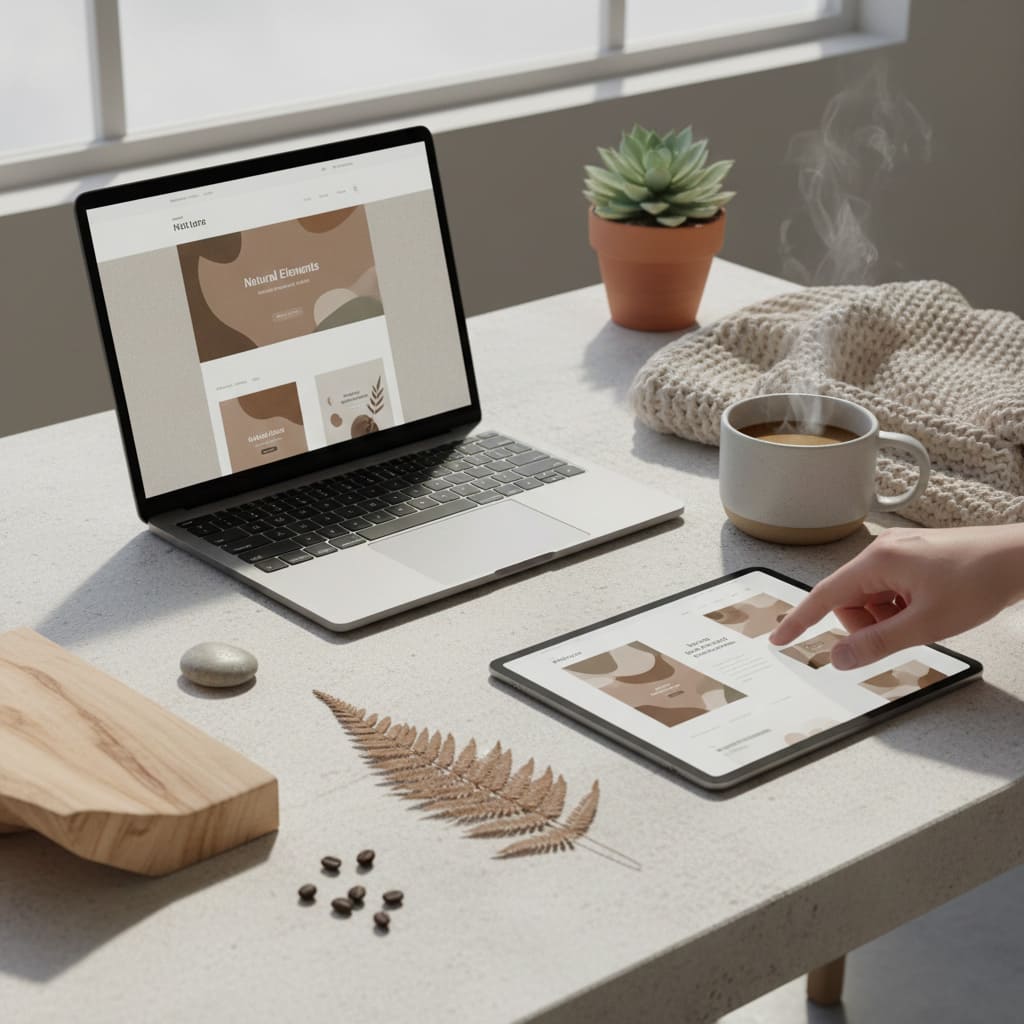
"Streamlining your design workflow isn't just about finishing projects faster; it’s about creating a sustainable environment where creativity can thrive without the burnout. Here are five practical strategies to optimize your process and deliver high-quality work more efficiently."
01.Master the Art of Pre-Design Planning
The biggest time-waster in any design project is starting with a blank canvas and no direction. Jumping straight into software without a plan often leads to 'designers block' or, worse, a final product that doesn't meet the client’s goals.
- Establish a Robust Brief: Never start without a clear understanding of the project's objectives, target audience, and brand guidelines.
- Sketch First: Use a pen and paper to brainstorm. It is much faster to iterate on paper than to move pixels around.
- Define Deliverables: Know exactly what needs to be delivered to avoid 'scope creep.'
- 💡Pro Tip: Spend 20% of your project time on planning. It will save you from 50% of potential revisions later.

02.Build and Utilize a 'Design System'
Consistency is the hallmark of professional design. Instead of recreating buttons, typography scales, or color palettes for every new page or project, build a reusable library.
- Create Templates: Whether it’s social media layouts or presentation decks, have a base template ready to go.
- Component Libraries: If you use tools like Figma or Sketch, leverage 'Components' and 'Symbols.' Change it once in the library, and it updates everywhere.
- Asset Management: Organize your icons, stock photos, and logos in a centralized folder for instant access.

03.Automate Repetitive and Low-Value Tasks
Many parts of the design process are mechanical rather than creative. Automating these tasks frees up your brainpower for the actual 'designing.'
- Keyboard Shortcuts: This is the lowest-hanging fruit. Mastering shortcuts can save you hours over a week.
- Use Plugins: From auto-generating 'lorem ipsum' text to batch-renaming layers or exporting assets in multiple sizes, there is a plugin for almost everything.
- Actions & Scripts: In Photoshop and Illustrator, use 'Actions' to record a series of steps and apply them to hundreds of files with one click.

04.Optimize the Feedback Loop
Nothing kills a workflow like a never-ending email chain of 'vague' feedback. To move forward, you need clear, actionable critiques.
- Centralized Communication: Use tools like Slack or Notion instead of scattered emails.
- Contextual Feedback: Use collaborative tools (like Figma’s comment feature) so clients can point exactly to what they want changed.
- Limit Revision Rounds: Set clear boundaries in your contract. This encourages clients to be more thoughtful and consolidated with their feedback.

05.Implement Time-Blocking and Focus Sessions
Design requires 'Deep Work.' Constant notifications and multitasking are the enemies of flow.
- The Pomodoro Technique: Work for 25 minutes of intense focus, followed by a 5-minute break. It keeps your mind fresh.
- Batching: Group similar tasks together. Do all your administrative work (billing, emails) in one block.
- Audit Your Time: Use tools like Toggl to see where your time actually goes. You might be surprised to find you're spending too long on minor details.

More to Discover

5 Design Trends That Will Define 2024
Explore the top design trends for 2024 that will influence web, UI/UX, and branding projects, helping you stay ahead of the curve.

THE POWER OF TYPOGRAPHY IN WEB DESIGN
Learn how typography can make or break your website and discover tips for choosing the right fonts to create impact and readability.